Computer Basics
Learn how to use a computer, keyboard, mouse, files, folders, applications, and basic system settings.
Sam Creative Hub provides practical computer training, Microsoft Office lessons, digital literacy, workplace productivity training, and basic ICT support for individuals and organizations.
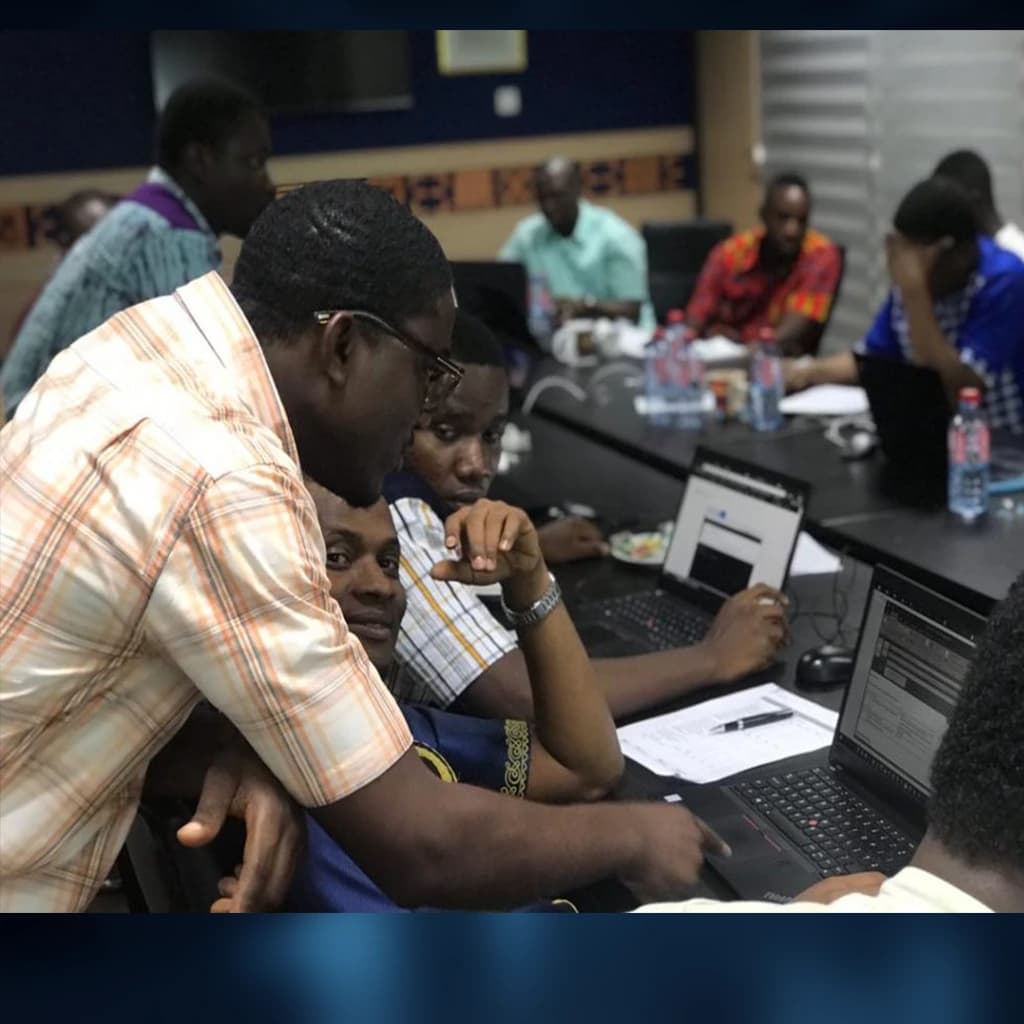
Training topics
Training can be adjusted according to the learner's experience, goals, workplace responsibilities, and available time.
Learn how to use a computer, keyboard, mouse, files, folders, applications, and basic system settings.
Practical training in Microsoft Word, Excel, PowerPoint, and other useful office applications.
Learn how to use the internet, email, search tools, online forms, cloud storage, and digital communication safely.
Understand passwords, scams, suspicious links, privacy, safe browsing, and responsible use of online platforms.
Use digital tools to improve document preparation, communication, record keeping, reporting, and daily office work.
Receive guidance with computer setup, software installation, common device issues, updates, and basic troubleshooting.
Who can join
Sessions can be arranged for complete beginners, students, staff teams, professionals, and people who want to improve their confidence using computers.
Discuss Training NeedsTraining packages
Final pricing may depend on the number of participants, training venue, duration, materials, travel, equipment, and selected topics.
Basic Digital Skills
US$25/person
Suitable for beginners who want to learn essential computer and internet skills.
Office Productivity Training
US$50/person
Suitable for students, job seekers, employees, and professionals who need practical workplace computer skills.
Institutional Training
Starting at US$150
Suitable for schools, churches, NGOs, businesses, offices, and community organizations training a group of participants.
Training process
Frequently asked questions
The training is suitable for beginners, students, job seekers, workers, business owners, teachers, office staff, churches, schools, NGOs, and anyone who wants to improve practical computer skills.
No. Beginner training starts with basic computer use. More advanced topics can be selected for participants who already have some experience.
This depends on the training arrangement. Participants may be asked to bring a laptop where available. For group training, computer availability and venue requirements should be discussed before the training begins.
The duration depends on the selected topics, participant experience, number of sessions, and training package. Some short courses may take a few days, while broader programs may run for several weeks.
Yes. Private lessons can be arranged for beginners, professionals, business owners, or anyone who prefers personalized support.